


Swap Photo Editor
Bulk image edits, resize, remove backgrounds & watermarks

Key Capabilities
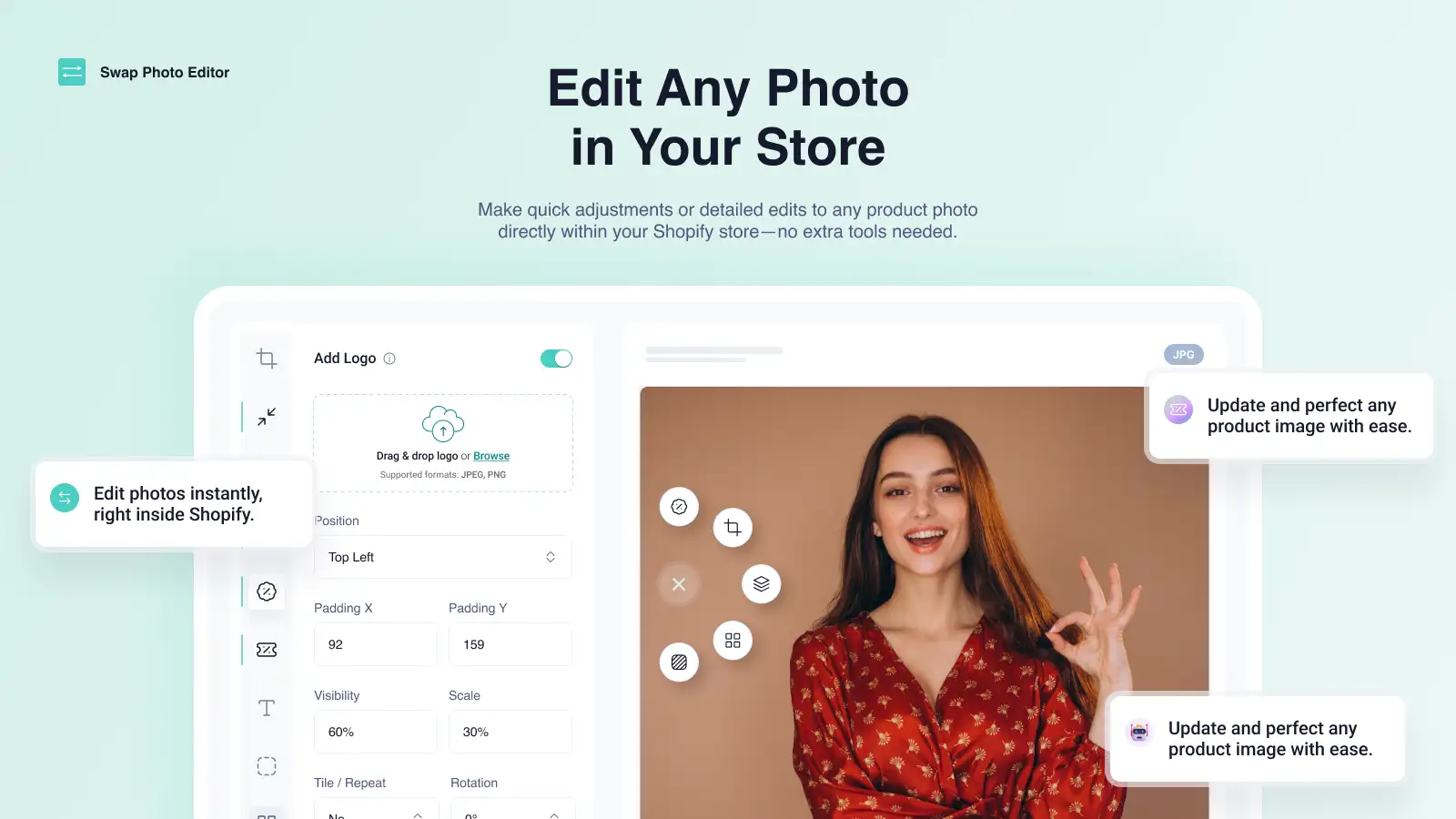
Professional photo editing, right inside Shopify
You shouldn't need to export photos to Photoshop and back. Swap Photo Editor brings Adobe Classic Editor and Photopea directly into your Shopify admin — with AI tools for backgrounds, upscaling, and more.
Editor Integration
Use Adobe Classic Editor or Photopea directly inside Shopify — no downloads, no external apps, no switching tabs.
AI Tools
Remove backgrounds, upscale images, generate AI backgrounds, write alt texts, and smart-fill in seconds.
Photo Editing
Resize, crop, compress, retouch, add text and logos, remove watermarks, and create photo collages — all in one place.
Bulk Management
Rename photos, modify alt texts, run bulk enhancements, and search for images via Google — all from your Shopify admin.
Membership Plans
One simple plan. Everything included. Cancel anytime.
Membership
- All Monthly features
- Unlimited AI tools
- Remove background (AI)
- Upscale images (AI)
- Write alt texts (AI)
- Smart background fill (AI)
Frequently asked questions
Everything you need to know about our apps and policies.
Yes. Any image you've edited or processed through Swap Photo Editor is saved directly to your Shopify store. Cancelling your subscription doesn't revert or remove any of those changes.
No. Adobe Classic Editor and Photopea both run entirely inside your browser within the Shopify admin. There's nothing to download, install, or configure — just open the app and start editing.
Yes. Swap Photo Editor works across your entire Shopify store — product images, homepage banners, blog images, collection thumbnails, and page content images can all be edited from one place.
Yes. Bulk editing lets you select multiple images and apply the same operation — resize, compress, rename, or other enhancements — across all of them in a few clicks.
The app is currently available in English only.
No. Swap Photo Editor does not inject any code into your storefront. It works entirely within your Shopify admin and only modifies image files directly.
Other Engage Apps
Explore more tools built for Shopify merchants

SEO King
Dominate Google search with AI SEO tools & unlimited AI

AI Alt Texts
Auto-generate AI alt texts for every image in your store

Easy Watermarks
Add stickers, logos and texts to your product photos

AI Photo Optimizer
Upscale, remove backgrounds, erase watermarks & compress to WebP