


AI Photo Optimizer
Transform product photos into high-quality, conversion-ready visuals at scale

Key Capabilities
Professional image quality, zero manual effort
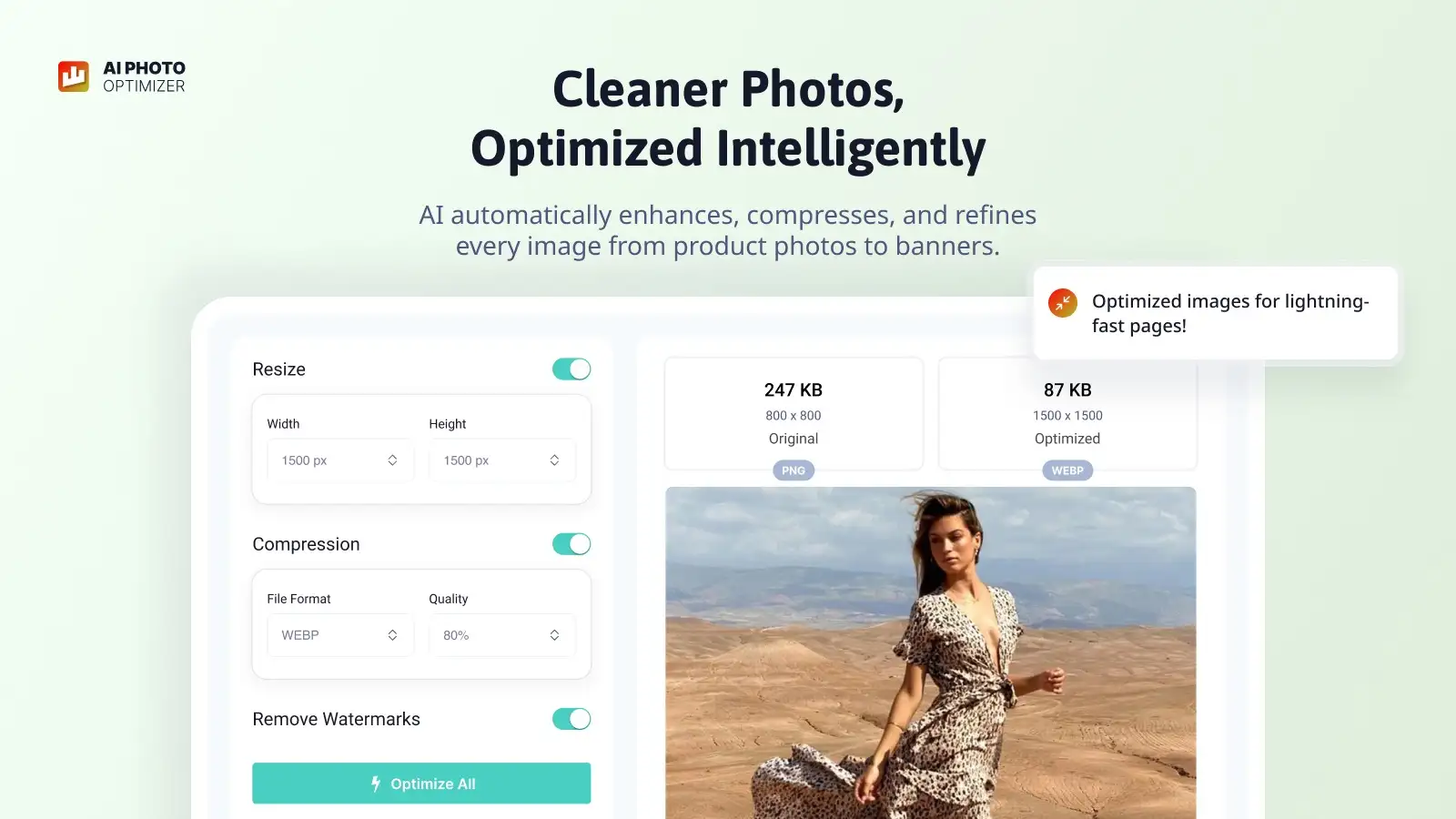
Low-quality product photos cost you sales. AI Photo Optimizer automates every stage of image enhancement — upscale, clean, and compress your entire catalog in bulk, then keep new uploads optimized automatically.
Upscaling
Turn low-resolution photos into sharp, high-definition images fit for modern displays. AI upscaling recovers detail and clarity so every product looks professional regardless of the original file quality.
Background Removal
Isolate subjects cleanly and consistently with AI-powered background removal. Produce uniform, distraction-free product visuals that strengthen your brand across your storefront and every sales channel.
Watermark Removal
Intelligently detect and erase logos, text overlays, and unwanted markings from imported or supplier images. The AI fills removed areas naturally, preserving full image integrity.
Compress to WebP
Automatically convert and compress images to WebP format without noticeable quality loss. Faster page loads, lower bandwidth, and better Core Web Vitals — all without touching a single file manually.
Membership Plans
Simple, transparent pricing. Process as many images as your store needs.
Unlimited
- Unlimited image processing
- No image caps
- All 4 AI optimization tools
- No credits needed
Auto-Update
- All Unlimited features
- New images auto-optimized
- 2x faster processing
- No credits needed
Frequently asked questions
Everything you need to know about our apps and policies.
No. AI Photo Optimizer keeps your original images safe and accessible at all times. Every enhancement is applied to a copy, and you can restore originals in one click whenever needed.
Yes. Bulk processing lets you queue and optimize your entire catalog in one operation. The app handles the queue automatically — you don't need to stay on the page or trigger each image individually.
Yes. The auto-optimize feature runs in the background and applies your chosen enhancements to new product images the moment they're uploaded to your store.
The AI uses edge-aware detection trained on product photography to accurately separate subjects from backgrounds — including fine details like hair, fur, and semi-transparent materials. Results are clean and consistent across large batches.
WebP is a modern image format that delivers significantly smaller file sizes than JPEG or PNG at equivalent visual quality. Smaller images mean faster page loads, which improves user experience, reduces bounce rates, and positively impacts your store's SEO and Core Web Vitals scores.
Yes. The AI upscaler is specifically designed to recover detail from low-resolution sources, including smartphone photos. It reconstructs texture and sharpness that traditional resizing loses, making your images suitable for large displays and zoom features.
No. AI Photo Optimizer works entirely within your Shopify admin and only modifies image files. It does not inject any scripts or code into your storefront theme.
Yes. The watermark removal AI is trained to cleanly erase overlaid text, logos, and graphics while reconstructing the underlying image content naturally. It works on a copy of each image, leaving your stored originals untouched.
Other Engage Apps
Explore more tools built for Shopify merchants

SEO King
Dominate Google search with AI SEO tools & unlimited AI

AI Alt Texts
Auto-generate AI alt texts for every image in your store

Easy Watermarks
Add stickers, logos and texts to your product photos

Swap Photo Editor
Bulk image edits, resize, remove backgrounds & watermarks